Every second
counts.
TallyTimer transforms your deadlines, events, and memories into beautiful, interactive countdowns. Designed for those who value time.

Powerful Features
Everything you need to create beautiful countdowns and stay organized, wrapped in a minimal design.
Custom Backgrounds
Choose from our curated gallery, upload your own, or access 5M+ photos via Unsplash.
Smart Reminders
Never miss a moment. Get notified 30 minutes, 2 hours, or days in advance with reliable alerts.
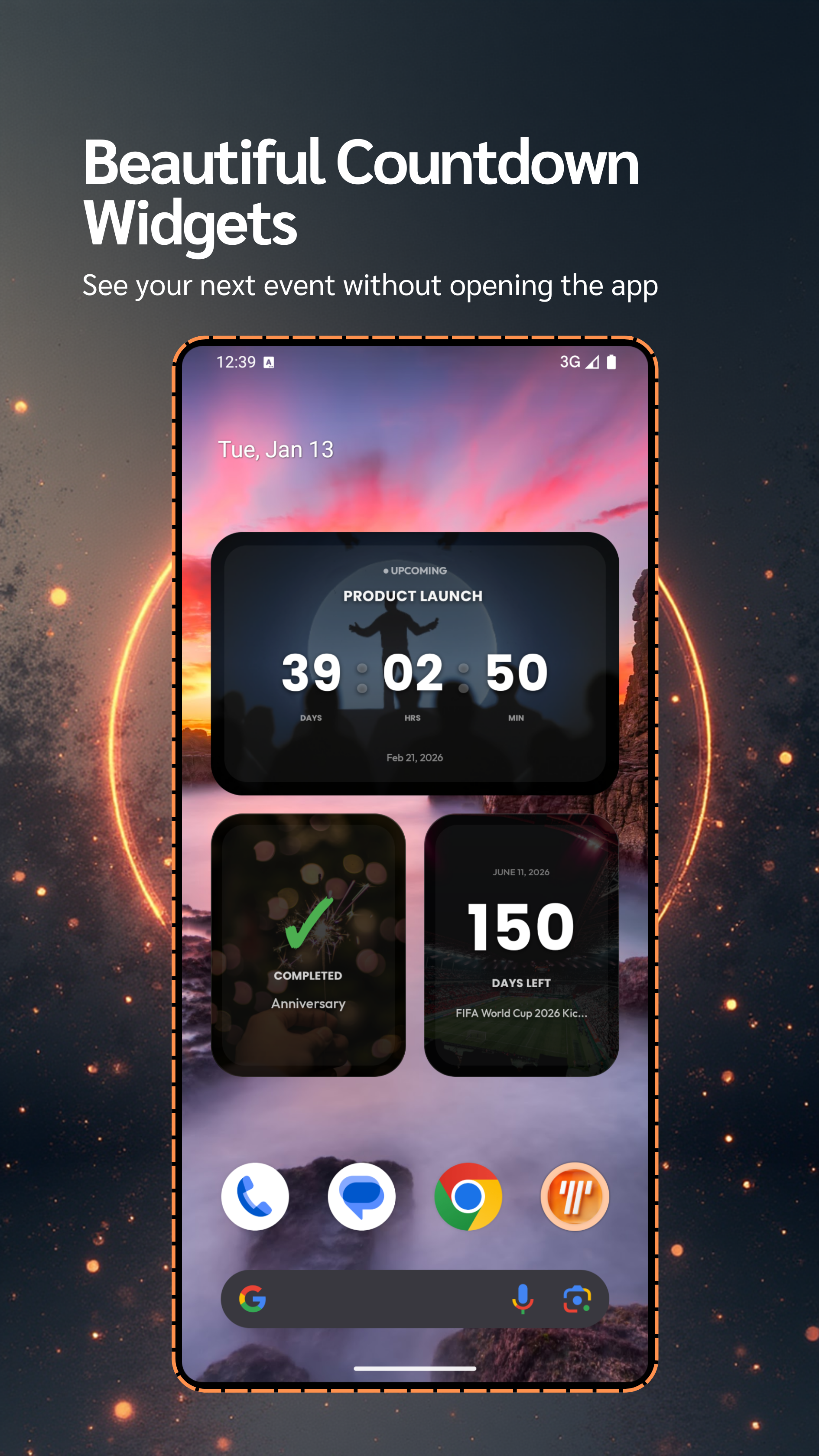
Home Widgets
See your events counting down right on your home screen. Beautiful, flexible, and always visible.
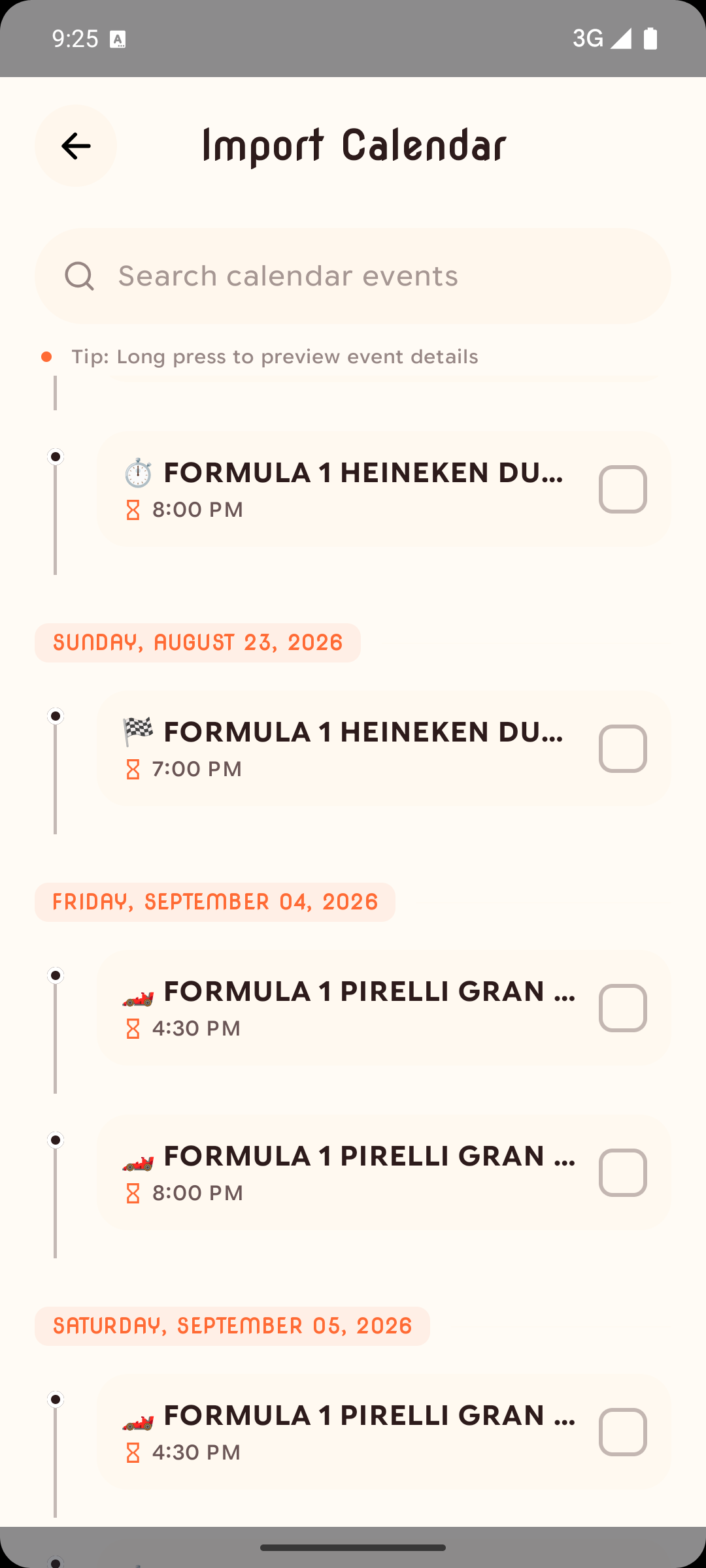
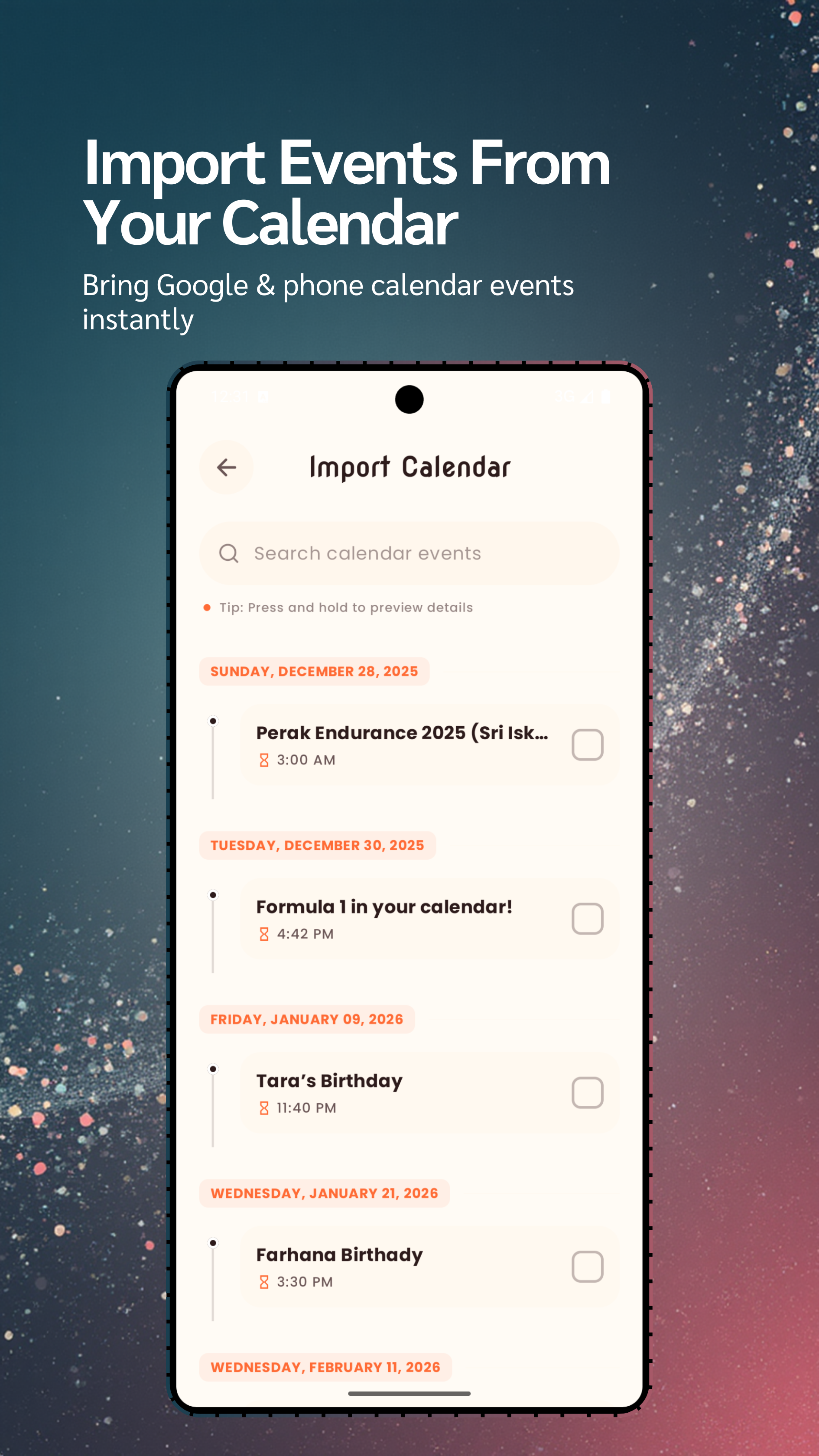
Calendar Import
Instant sync. Import events directly from your default calendar apps, including Google Calendar.
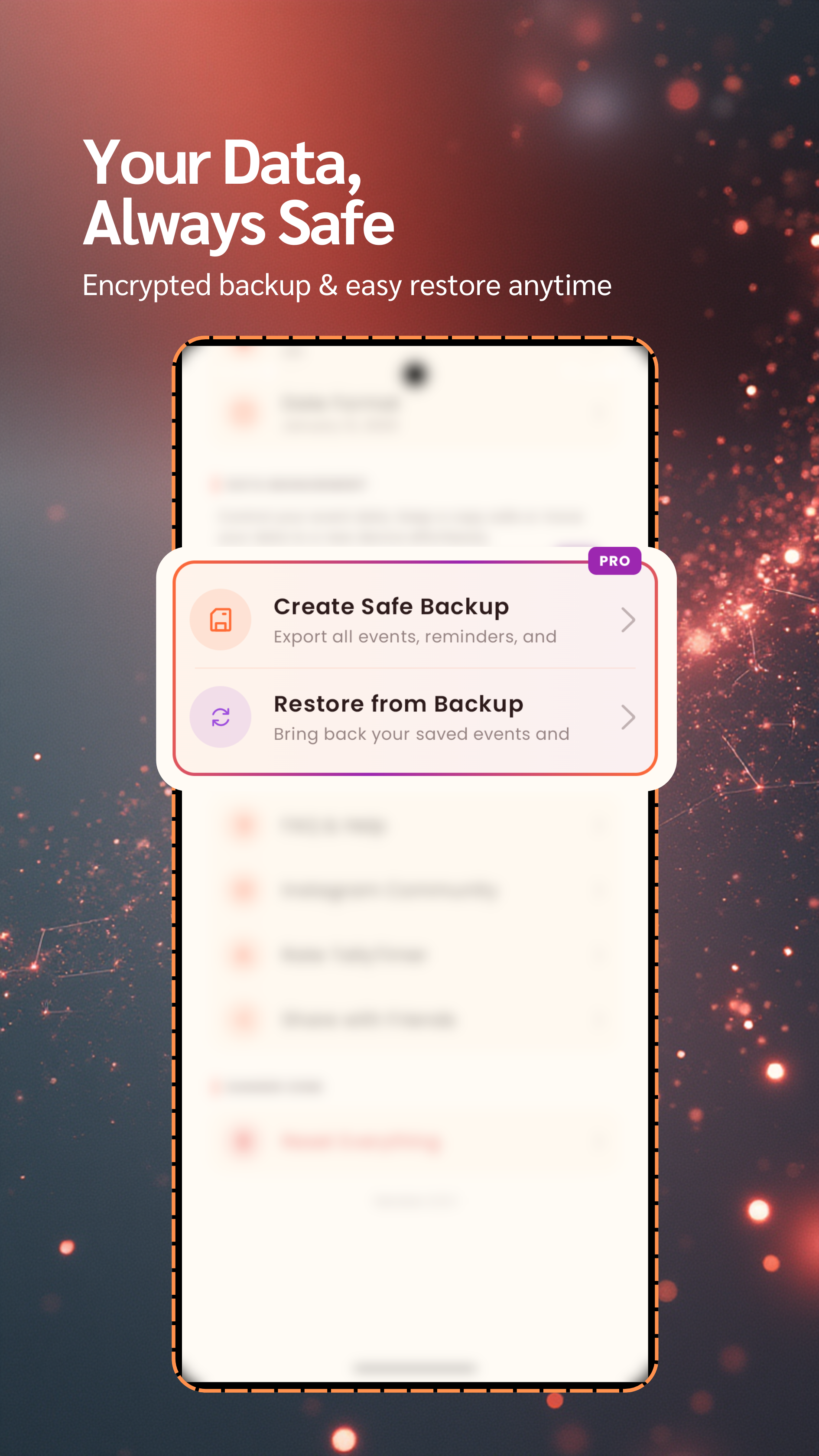
Backup & Export
Your data, your control. Save your events as a file and restore them anytime to keep your memories safe.
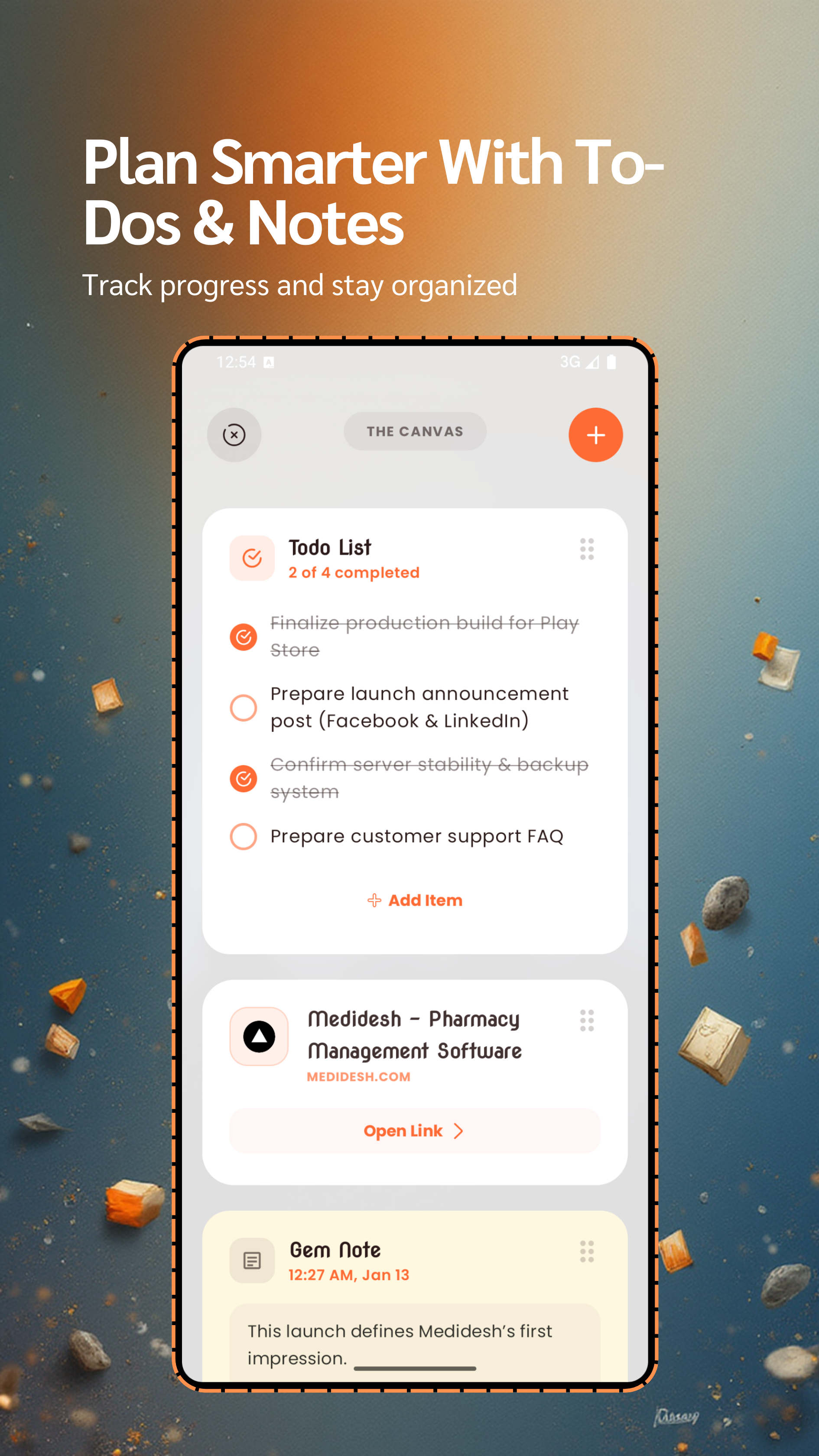
Event Canvas
Your creative space. Plan every detail with integrated To-dos, important Links, and detailed Notes for each event.
Why TallyTimer?
More than just a countdown app. Stay ahead of your schedule.
Event Canvas
Experience the power of organization with integrated To-dos, essential Links, and beautiful Notes inside every event.
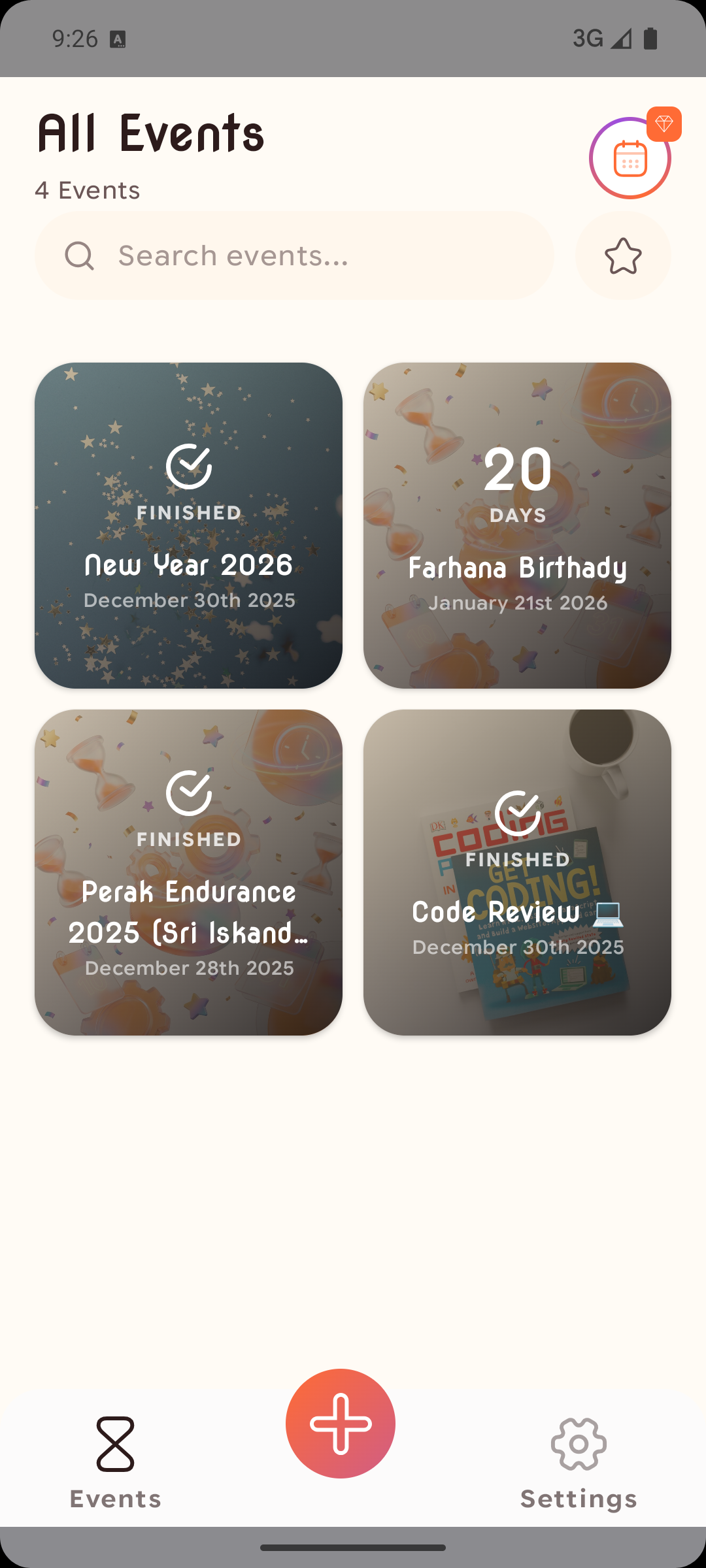
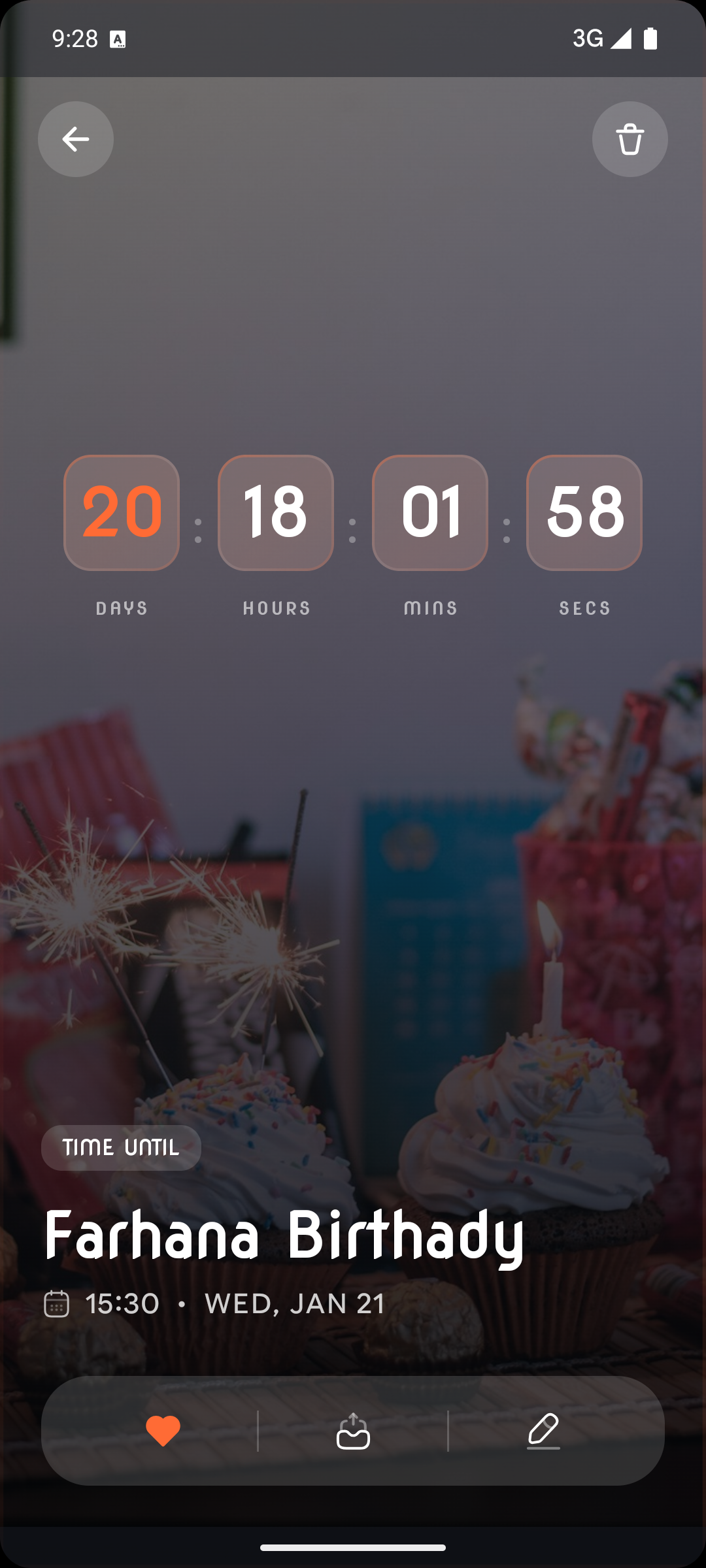
Visual Countdowns
Watch your moments unfold with stunning countdown displays.
Secure Data
Your memories are protected with encrypted backups.
Always Visible
Add widgets to your home screen for quick access.
App Interface
A closer look at the refined user experience.
How it works.
Three simple steps to stay ahead of your schedule. Designed to be effortless.
Create an Event
Add a title, date, time, and pick a beautiful background.
Set Reminders
Choose exactly when you want to be notified.
Import or Backup
Bring in events from calendars or export your own safe file.
Add Widgets
Keep countdowns always visible on your home screen.
Loved by Users
See what our community is saying about TallyTimer.
“The countdown widgets are a game-changer – I never miss an important date anymore!”
“The encrypted backup gives me peace of mind when switching devices.”
“The Canvas feature is brilliant! Organize todos, notes, and links in one place.”
“Beautiful design and super intuitive. Perfect for tracking goals.”
“Calendar import saved me hours of work. Highly recommended!”
Growth in Motion
Every update is a step toward perfection. Explore the journey of TallyTimer.
Version 2.0.2
- Version 2.0.2: Performance improvements and bug fixes
- Encrypted Backup & Restore (.ttbk) for all events, todos, notes, and links
- Redesigned Event Canvas with smooth drag-and-drop interactions
- Optimized widgets with real-time updates and flexible reconfiguration
- Improved reminders handling and notification icons
- Countdown display units (auto, day, hour, minute) fully supported
- Bug fixes: canvas todo checkmarks, link deletion, share image generation
Version 1.2.0
- Complete 'Premium Minimal' Design Overhaul
- Bento Grid Layout for Features
- Unsplash API Integration (5M+ Photos)
- Scroll-driven Interactive Showcase
Version 1.1.0
- Backup & Restore Functionality
- Calendar Import Feature
- Mobile Widgets Support